
fly on the wall
Notes that tidy themselves.
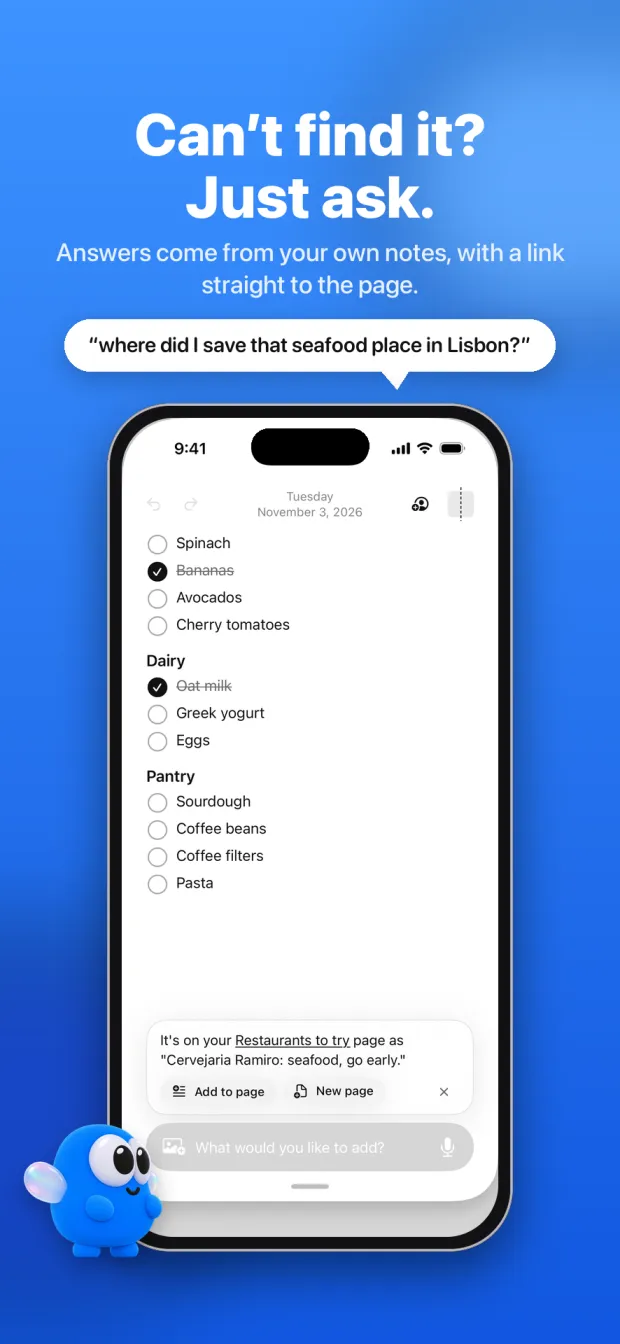
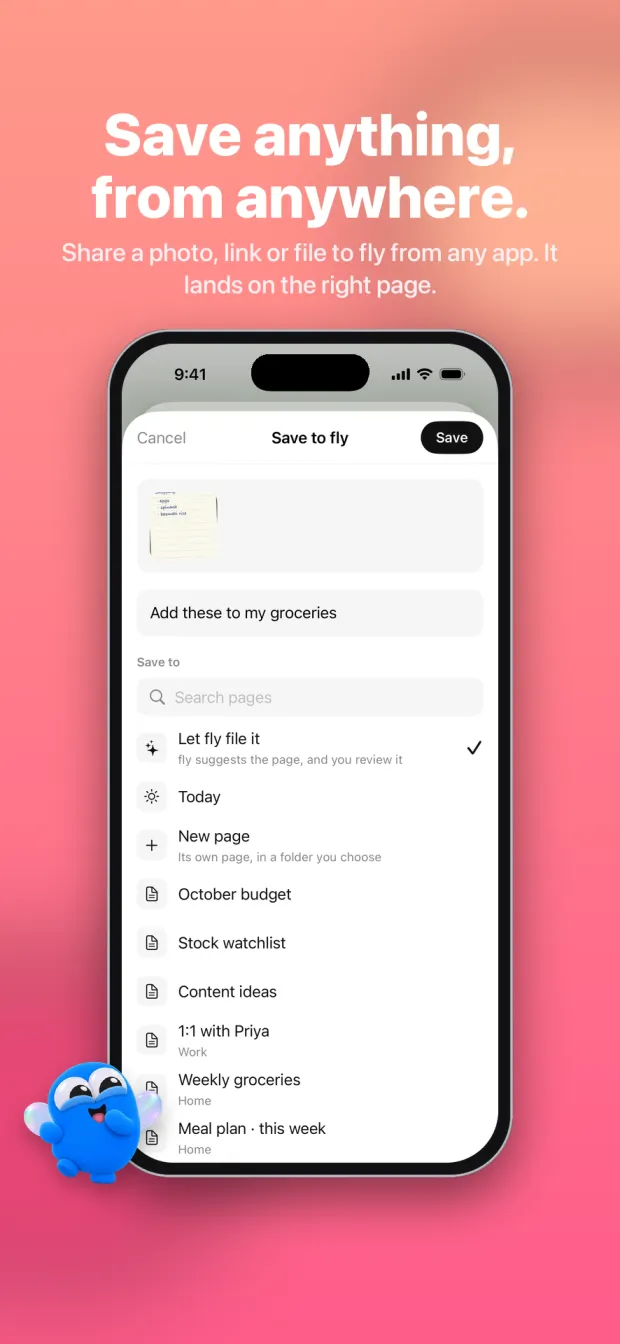
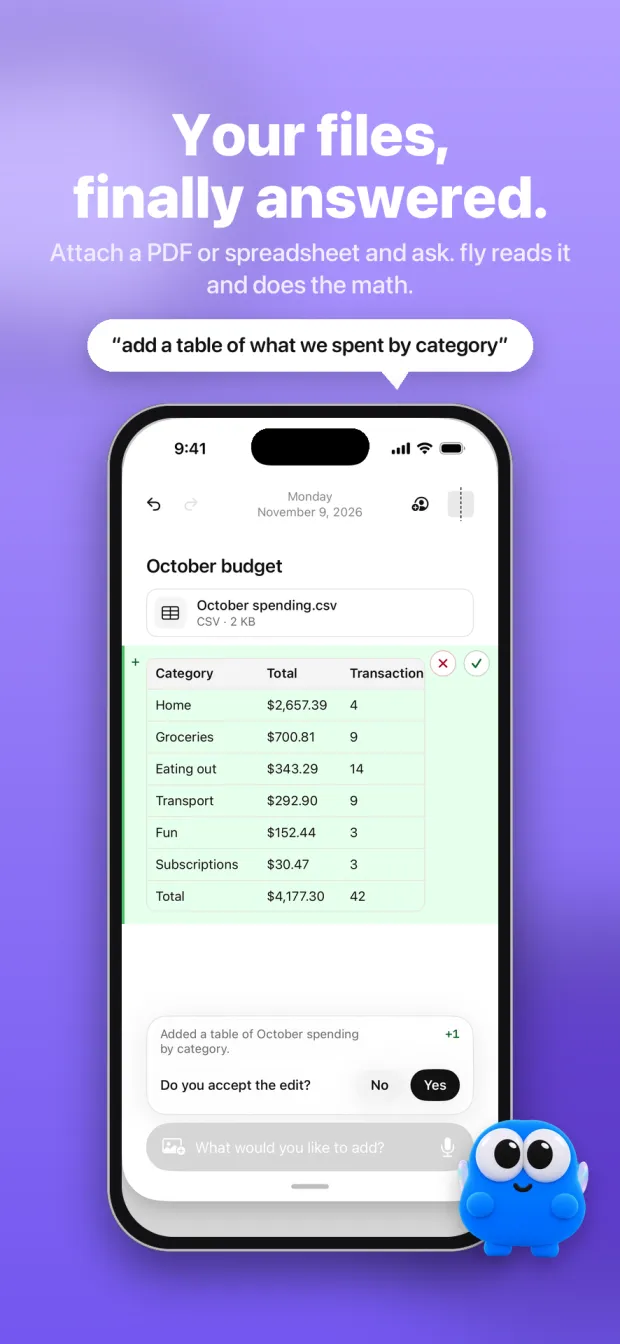
Just write. fly files each thing in the right place, answers questions about everything you've saved, and never changes a page without your OK.
Coming soon to iPhone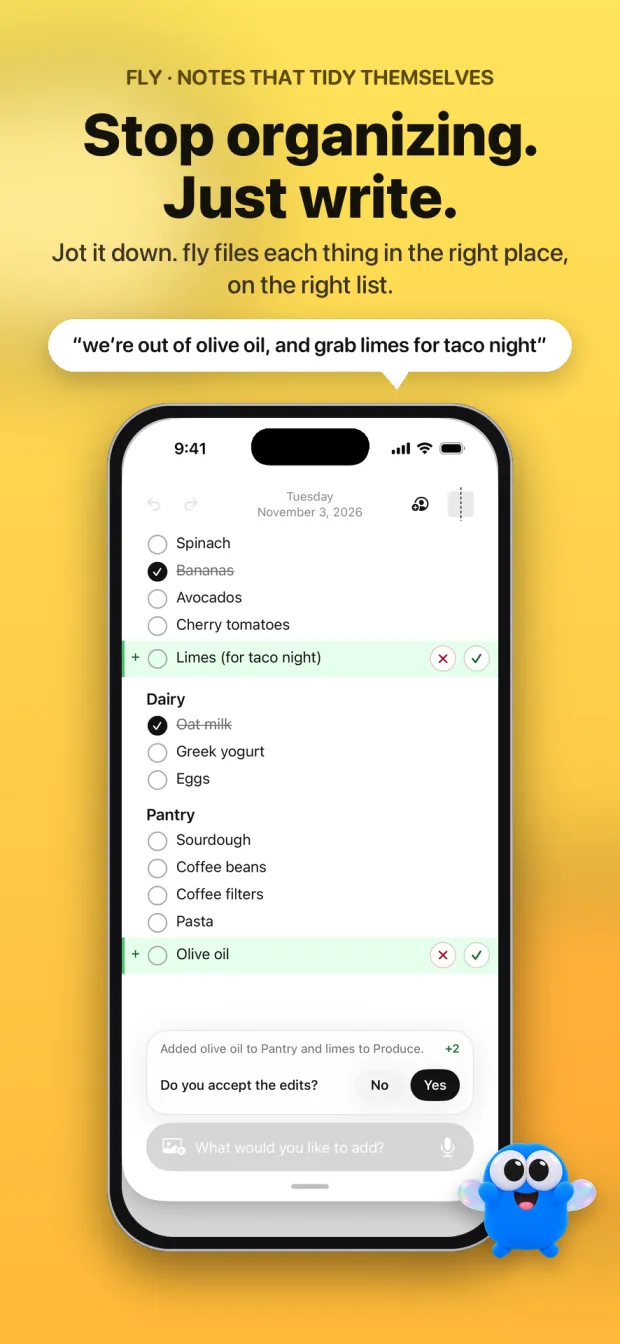
You stay in charge.
fly's AI does the filing and the remembering. You decide what it can see and what it changes.
- It asks firstfly asks before any of your notes go to its AI. Without that, you can still write and organize by hand.
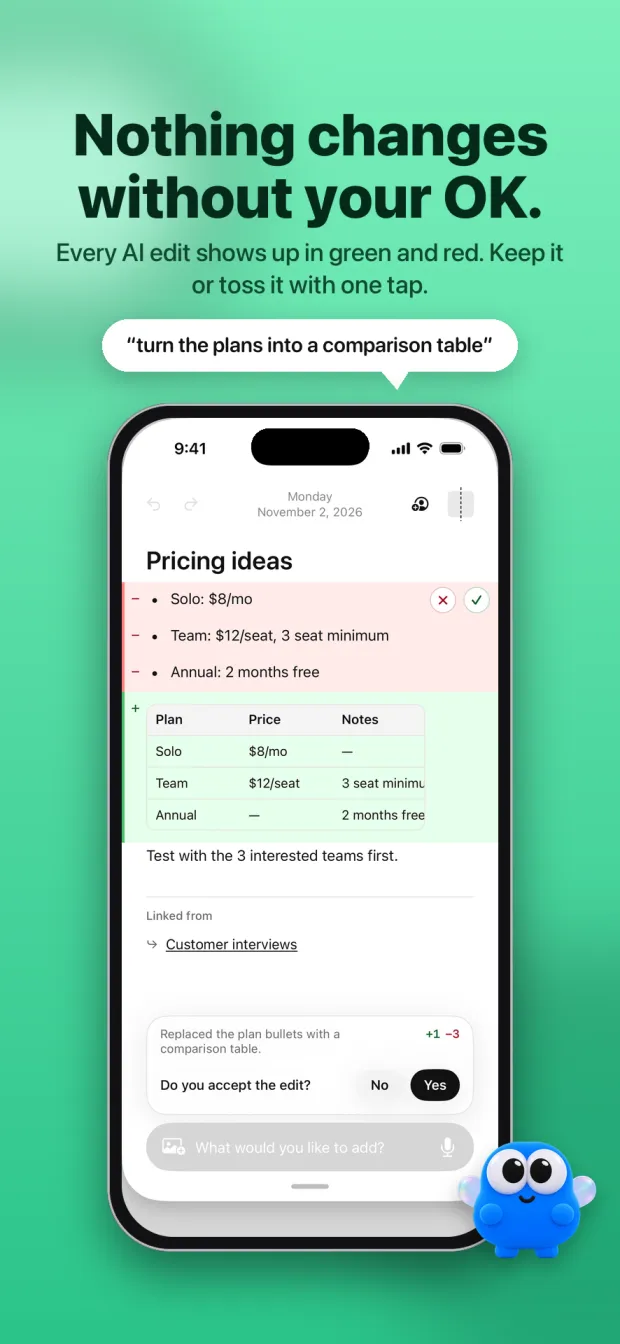
- Every edit is a suggestionChanges show up in green and red. Keep them or toss them with one tap.
- Locked pages stay lockedfly's AI only sees a locked page after you unlock it on your phone. Apps you connect can't read it at all.
Use your notes from Claude or ChatGPT.
Connect fly to the AI app you already use. It can read your notes and suggest edits, which wait in fly for your OK.
https://mpuumxenufgzgyypqhic.supabase.co/functions/v1/mcp
Changed your mind? In fly, open Account, then Connected apps, and disconnect it.
- Add fly as a connectorIn Claude: Settings, then Connectors, then Add custom connector. In ChatGPT: Settings, then Connectors, with developer mode on. Paste the address.
- Sign in and allowA fly page opens. Sign in with the Apple account you use in fly, check what the app can do, and tap Allow.
- Ask awayTry "what's on my packing list?" or "turn my meeting notes into tasks". Edits wait in fly until you accept them.